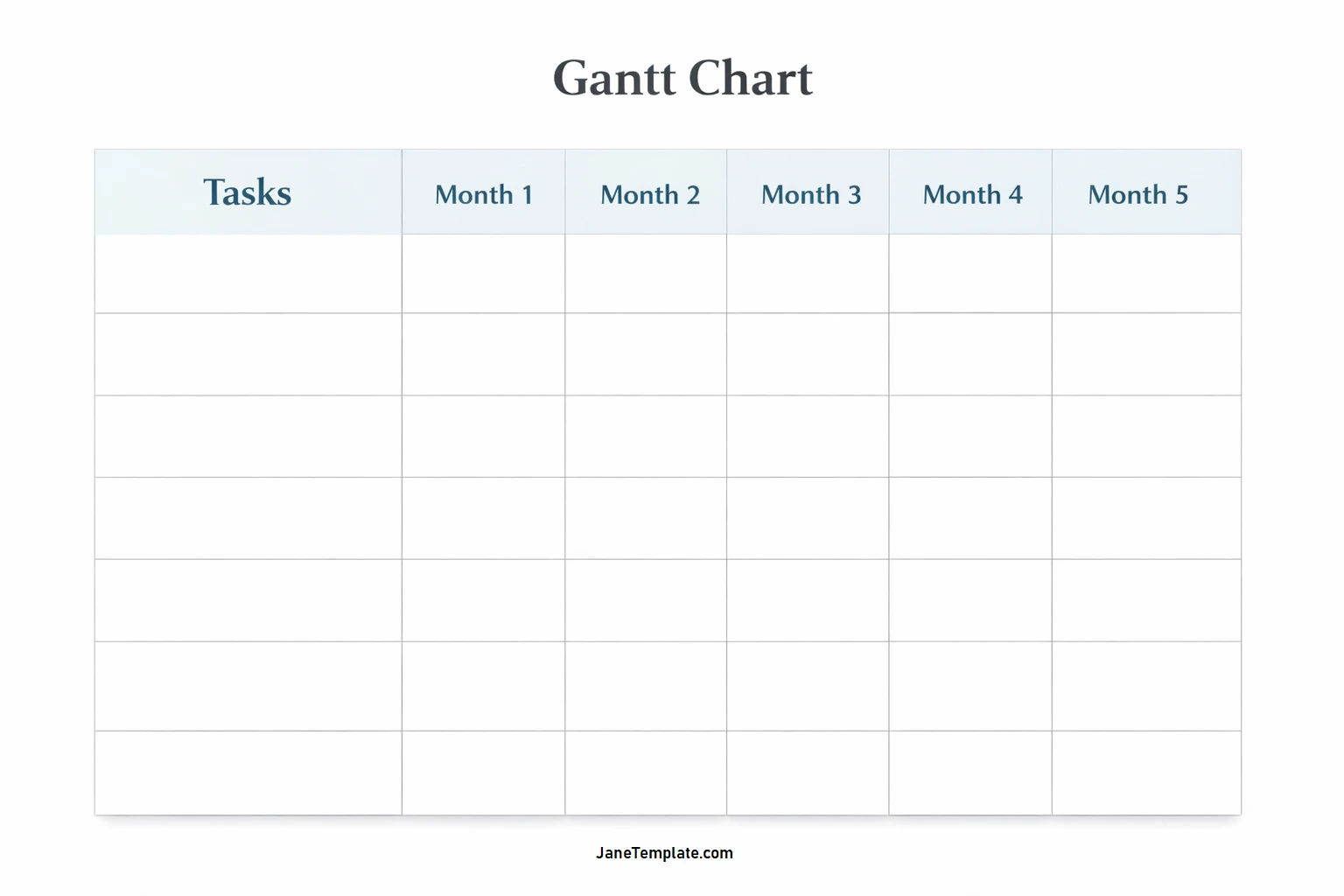
Project management can be a daunting task, with multiple moving parts and deadlines to keep track of. Enter the Gantt chart, a powerful visual tool that helps project managers plan, schedule, and track their projects with ease.
In this comprehensive guide, we will delve into what Gantt charts are, why they are essential for project management, key elements of a Gantt chart, how to create and use them effectively, and tips for successful implementation.
What is a Gantt Chart?
A Gantt chart is a popular project management tool used to visually plan and track project progress by displaying tasks on a timeline. It provides project teams with a clear roadmap of the project, showing task durations, dependencies between tasks, deadlines, and assigned team members.
Gantt charts offer a quick way to see the status of a project at a glance, making them an invaluable tool for project managers.
Why Use Gantt Charts?
Gantt charts offer a range of benefits for project managers and teams, including:
- Visual Representation: Gantt charts provide a clear visual representation of project timelines, making it easy to understand the project schedule.
- Task Dependencies: By showing dependencies between tasks, Gantt charts help teams understand the order in which tasks need to be completed.
- Resource Allocation: Project managers can easily assign team members to specific tasks and track resource allocation using Gantt charts.
These benefits make Gantt charts an essential tool for effective project management.
Key Elements of a Gantt Chart
A Gantt chart typically consists of the following key elements:
- Tasks: Each task is represented as a bar on the timeline, with the length of the bar indicating the duration of the task.
- Dependencies: Arrows connecting tasks indicate dependencies, showing which tasks need to be completed before others can begin.
- Timeline: The horizontal axis represents time, usually in days, weeks, or months, depending on the project timeline.
- Resource Allocation: Team members are assigned to tasks, allowing project managers to track who is responsible for each job.
Understanding these elements is crucial for creating and using Gantt charts effectively.
How to Create and Use Gantt Charts
Creating a Gantt chart can be done using project management software or even simple tools like Excel. Here are the basic steps to create and use a Gantt chart:
- Define Your Project: Start by listing all the tasks that need to be completed for your project.
- Set Task Durations: Estimate the duration of each task and enter it into the Gantt chart.
- Identify Dependencies: Determine which tasks are dependent on each other and link them accordingly.
- Assign Resources: Assign team members to tasks based on their skills and availability.
- Track Progress: Regularly update the Gantt chart with progress updates to keep the project on schedule.
Tips for Successful Gantt Chart Implementation
To make the most out of Gantt charts, consider the following tips:
- Keep it Simple: Avoid cluttering your Gantt chart with too much information. Focus on the essential elements to maintain clarity.
- Communicate Effectively: Share the Gantt chart with your team and stakeholders to keep everyone informed about project progress.
- Update Regularly: Make sure to update the Gantt chart regularly to reflect any changes in project timelines or task dependencies.
- Use Colors and Labels: Use colors and labels to differentiate tasks, priorities, and team members for better visualization.
- Include Milestones: Add milestones to your Gantt chart to mark significant project accomplishments and deadlines.
- Review and Adjust: Regularly review your Gantt chart and make adjustments as needed to ensure the project stays on track.
By following these tips, project managers can leverage the power of Gantt charts to effectively plan, track, and manage their projects from start to finish.
Gantt Chart Template – Download
